Best AI Task Automation Tools for Smart Reminders (2026)
You're drowning in missed deadlines and scattered WhatsApp messages, and your team keeps forgetting what needs to happen next. Smart reminders should fix this, but most task tools still feel like extra admin work. This guide cuts through the noise to help you pick the right AI automation tool for your actual workflow.
By the end of this article, you'll know exactly which features matter for smart reminders, how the top six tools compare on pricing and free trials, and which option deserves your attention first. We'll cover WhatsApp-native task creation, voice note reminders, approval flows for field teams, and the criteria that separate useful automation from gimmicks.
What to Look For in AI Task Automation Tools for Smart Reminders
Before diving into specific tools, it's essential to understand the core capabilities that define an effective AI task automation tool for smart reminders. The best options in this category go far beyond simple alarm bells and static to-do lists. They actively learn from your behavior, adapt to your schedule, and reduce the mental effort required to stay organized.
Start by evaluating natural language processing (NLP), which allows you to create tasks the way you naturally speak or type. A tool that uses NLP to convert voice notes into tasks, such as saying "remind me to email the client at 3 PM tomorrow," should parse that instantly. This eliminates the friction of filling out multiple fields and makes task capture feel effortless.
Next, look for context-aware alerts that adapt to your current situation rather than firing at fixed times. These intelligent notifications consider factors like your location, your current calendar load, or whether you are in a meeting. The goal is to interrupt you only when it makes sense, not just when a clock strikes a certain hour.
Predictive reminders are another hallmark of advanced AI task automation. These systems learn from your past patterns to anticipate when you are most likely to complete certain work. For example, a tool might notice you always handle expense reports on Friday mornings and proactively nudge you before that window closes.
Integration capabilities matter just as much as the AI engine itself. The right tool should connect smoothly with your existing calendar, email, and messaging platforms. A system that sends proactive notifications based on deadline proximity, while syncing with your calendar, creates a unified view of your commitments.
Finally, consider how well the tool handles automation of repetitive tasks. The strongest platforms can identify recurring workflows and suggest shortcuts or auto-schedule recurring tasks. This turns your smart to-do list into a true workflow automation hub that saves hours each week.
Keep these criteria in mind as you compare options. A tool that excels in all five areas will feel like a genuine AI scheduling assistant, not just another reminder app. The following sections will break down how specific products stack up against these benchmarks.
1. Tasks.Bot - Best Overall
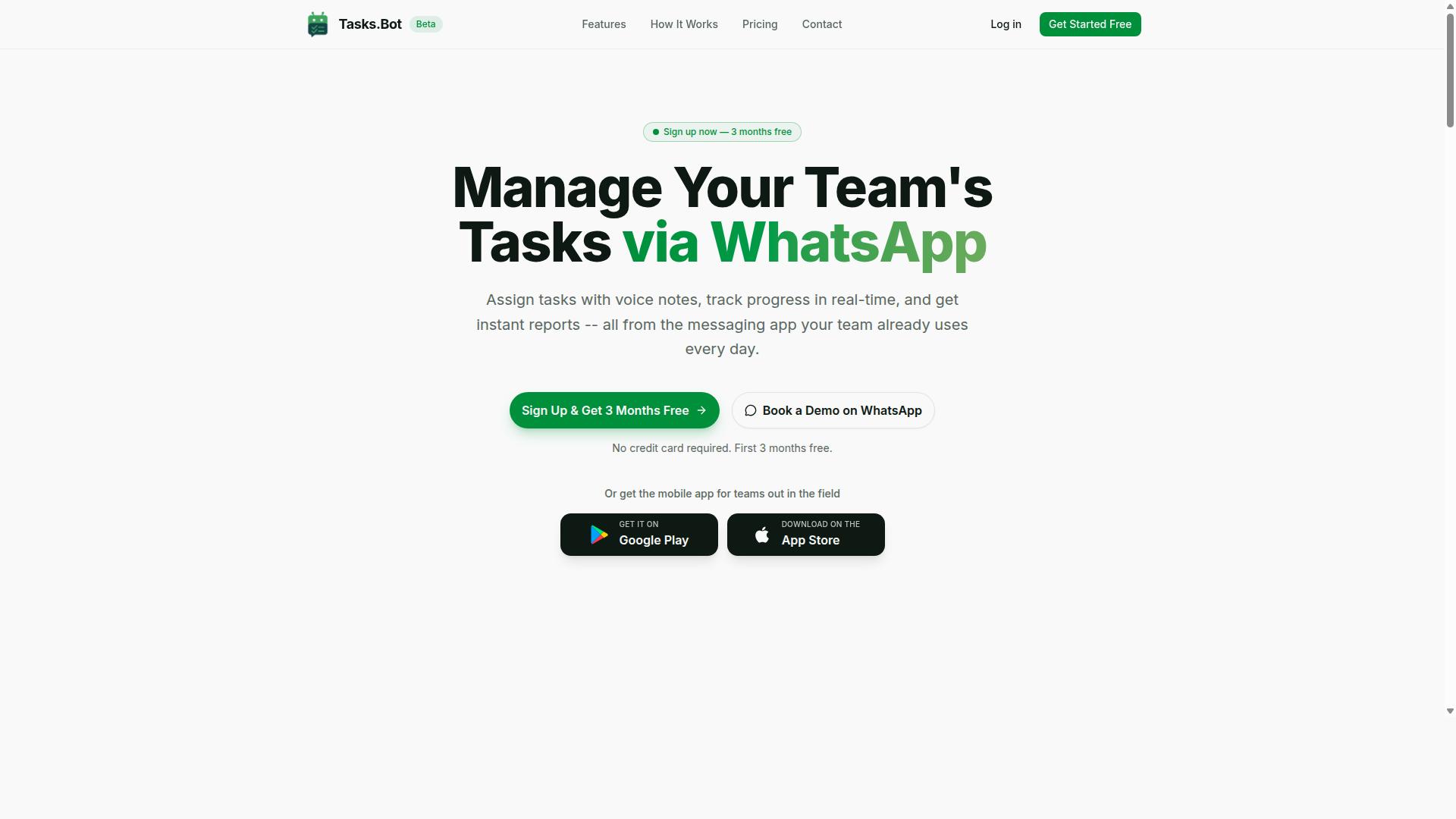
Tasks.Bot stands out as the best overall choice for teams that rely on WhatsApp for communication, offering a seamless integration that eliminates the need for additional apps. This task management software operates entirely within the messaging platform, so team members don't need to install anything or create new accounts. The barrier to entry is essentially zero, which makes adoption fast and painless for teams of any technical skill level.
The platform is currently in beta and offers a free trial period, giving teams a risk-free way to test its capabilities. Enterprise-grade encryption ensures that conversations and task data are never shared or used for training, which addresses common privacy concerns with AI-powered tools. For teams already living in WhatsApp, this automation platform removes the friction of switching between multiple apps throughout the day.
Beyond messaging, Tasks.Bot provides Android and iOS apps with push notifications, voice capture, and a home screen widget. This hybrid approach means field workers can stay connected whether they prefer WhatsApp or a dedicated mobile interface. The service is available globally, making it a practical fit for distributed teams and international operations.
WhatsApp-Native Task Creation and Voice Note Reminders
Tasks.Bot leverages AI to understand natural language and voice notes, allowing team members to create tasks and set reminders simply by sending a message on WhatsApp. The user flow is remarkably simple: a team member sends a voice note like "Remind me to follow up with client at 3 PM tomorrow," and the AI assistant interprets the intent and automatically creates the task with a smart reminder attached. No typing, no forms, no separate app to open.
This natural language processing capability transforms how teams capture work. Instead of jotting notes and later transcribing them into a task manager, the message itself becomes the task. The AI scheduling assistant handles the parsing, extracting dates, times, and action items from casual conversation. This reduces friction dramatically and improves adoption because the tool fits into existing communication habits rather than requiring new ones.
Voice note task creation is particularly valuable for workers who are on the move. A technician finishing a site visit can record a quick voice note about follow-up work while walking to the next job. The task is captured instantly, and the automated reminder ensures it doesn't slip through the cracks. For teams that struggle with forgotten commitments, this cognitive automation closes the gap between intention and action.
Smart Deadline Reminders and Approvals for Field Teams
For field teams, Tasks.Bot provides smart deadline reminders and an approval workflow that ensures tasks are completed on time and with proper oversight. The platform uses AI to understand user intent and create tasks from messages, which means deadline tracking starts the moment a task is captured. Managers can see what's due, what's in progress, and what's been completed without chasing anyone for updates.
The approval feature streamlines field operations by letting managers approve or reject task completions directly via WhatsApp. This closes the loop on work execution, so nothing is assumed complete until it's verified. When approvals are tied to task completion, the workflow becomes more accountable and the data feeding into reports is more reliable.
Tasks.Bot also includes face-verified attendance and live GPS tracking for field staff, which connects task completion to real-world verification. These features support shifts, leave, and hours management, producing payroll-ready hours without manual timesheet entry. The platform offers automatic task assignment, instant reports, tasks on a map, and a live day tracker, giving managers a real-time view of field operations.
For organizations managing remote or mobile workers, this combination of predictive reminders, approval gates, and attendance verification creates a complete operational picture. The smart to-do list becomes more than a checklist, it becomes a coordination tool that keeps distributed teams aligned and accountable.
2. Reminderly.ai
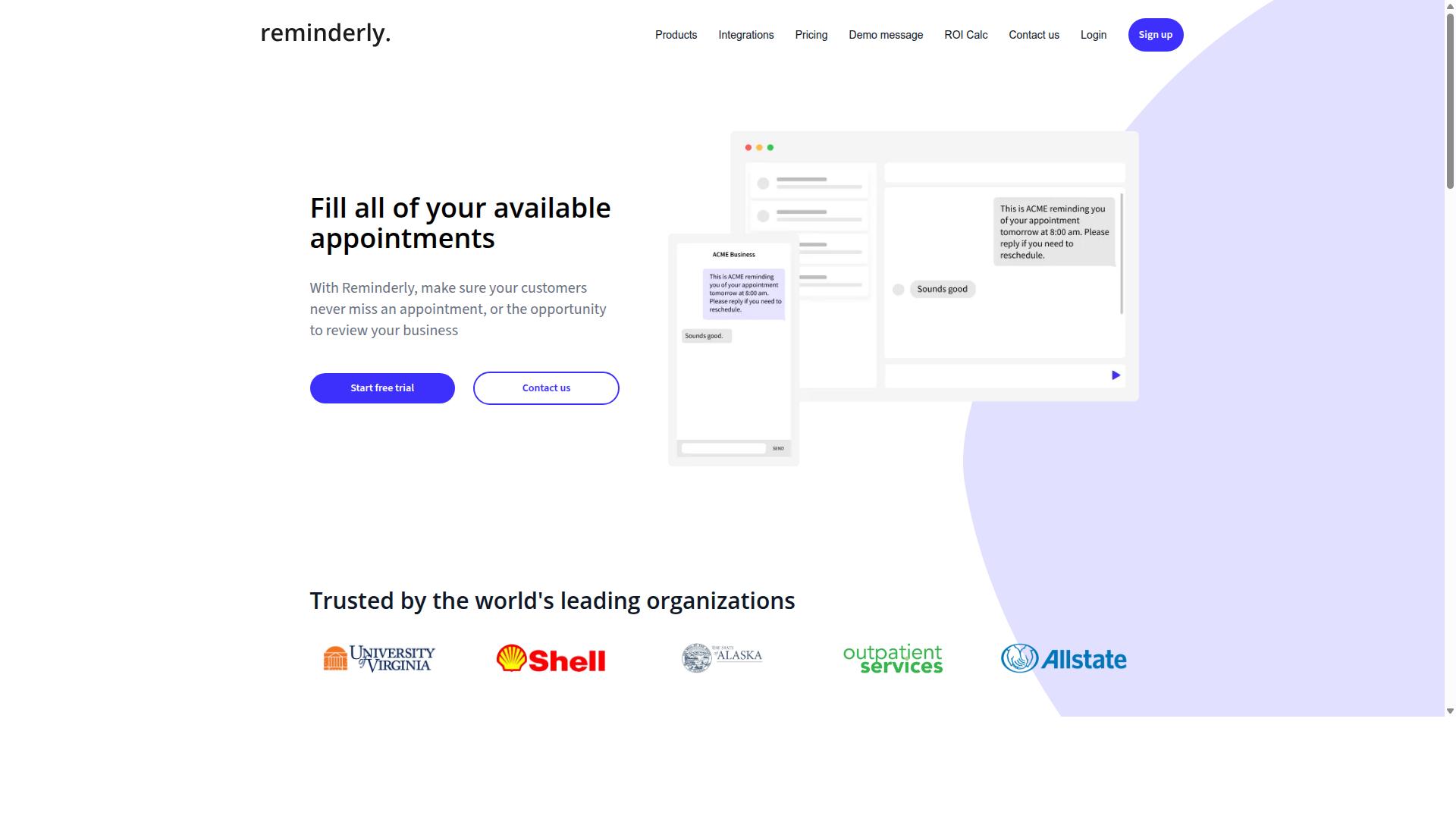
Reminderly.ai is an AI-powered reminder app that focuses on calendar integration and predictive notifications to help users stay on top of their schedules. The platform is designed for people who want a more intelligent layer on top of their existing calendar and task management software.
The core value proposition centers on predictive reminders that learn from your schedule. Over time, the system analyzes patterns in how you manage your time and adjusts notification timing accordingly. This means alerts arrive when they are most likely to be useful, not just at a fixed time you set weeks in advance.
Reminderly.ai also includes an AI scheduling assistant that handles common disruptions automatically. If you miss a reminder or a meeting runs long, the assistant can reschedule the notification for a more appropriate moment. This proactive approach reduces the mental load of constantly updating your own to-do list.
For users comparing options, it is worth noting that Reminderly.ai may not offer the same WhatsApp-native integration that some competitors provide. Its strengths lie in calendar sync and intelligent timing, making it a solid choice for professionals who live inside their calendar apps. However, if your workflow depends on meeting people where they already chat, you may want to check whether the tool supports your preferred messaging platform before committing.
3. TaskRio
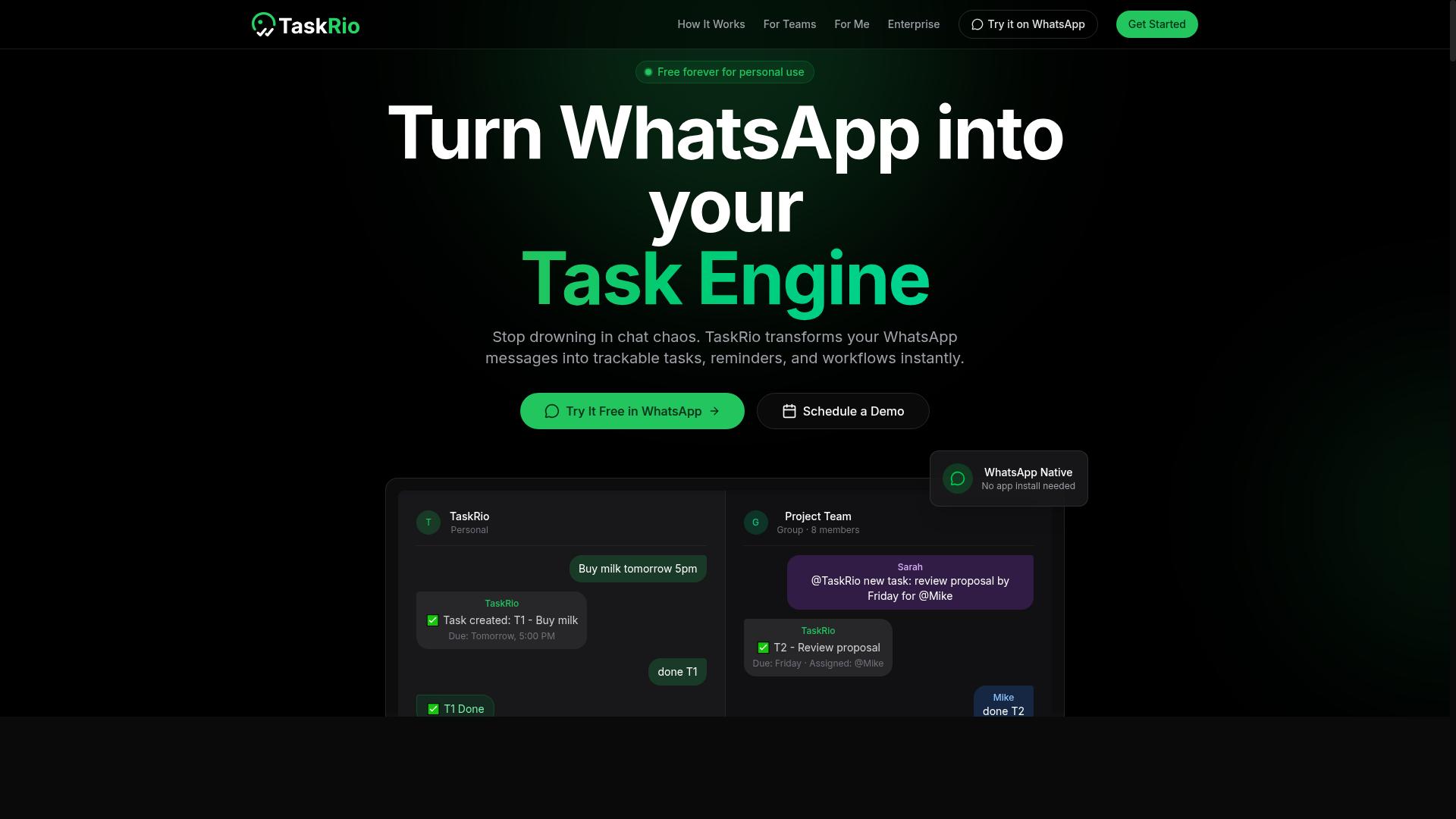
TaskRio is a task management platform that incorporates AI to prioritize tasks and automate recurring reminders, making it suitable for busy professionals. The tool positions itself around the idea that your daily to-do list should adapt to how you actually work, rather than staying static until you manually update it.
The core strength here is workflow automation. TaskRio aims to handle the repetitive side of task management, such as rescheduling unfinished items or generating follow-up reminders for recurring responsibilities. For users juggling multiple projects, this reduces the mental load of keeping a smart to-do list current.
Its AI-driven prioritization relies on analyzing task attributes like deadlines and perceived importance. This helps surface what needs attention first, acting as a lightweight AI scheduling assistant that supports better time management throughout the day.
However, TaskRio typically requires a separate app or web interface to manage your tasks. This can be a drawback if your team lives inside messaging platforms, as it might lack the messaging-app integration that some teams prefer for quick updates and intelligent notifications.
For solo professionals, this is often a manageable trade-off. But for teams, the lack of native chat integration may mean extra context switching. If your workflow depends on centralized communication, you may want to verify how TaskRio handles event detection and proactive notifications before committing.
4. Karo.bot
Karo.bot uses machine learning to analyze user behavior and send proactive notifications that anticipate when you might forget a task. Instead of waiting for you to set a rigid schedule, it studies your patterns and learns how you work. The goal is to deliver context-aware alerts at moments when they are most likely to be useful.
This approach to machine learning reminders focuses on timing. The assistant tracks how you handle recurring tasks, when you are most productive, and where your attention tends to drift. Over time, it builds a profile that helps it predict the best windows for sending an automated reminder, rather than pinging you at random intervals.
For individuals juggling personal deadlines and daily routines, this kind of user behavior analysis can feel more intuitive than a standard reminder app. The system aims to reduce notification fatigue by only surfacing alerts when they genuinely matter. That makes it a strong option for people who want a smarter, more adaptive approach to time management.
However, Karo.bot may not offer the same collaborative features found in team-oriented tools. If your primary need is task delegation or shared project coordination, this assistant might feel limited. It is better suited for personal productivity and individual workflow automation than for group-based deadline tracking or multi-user task prioritization.
5. The Sarah AI
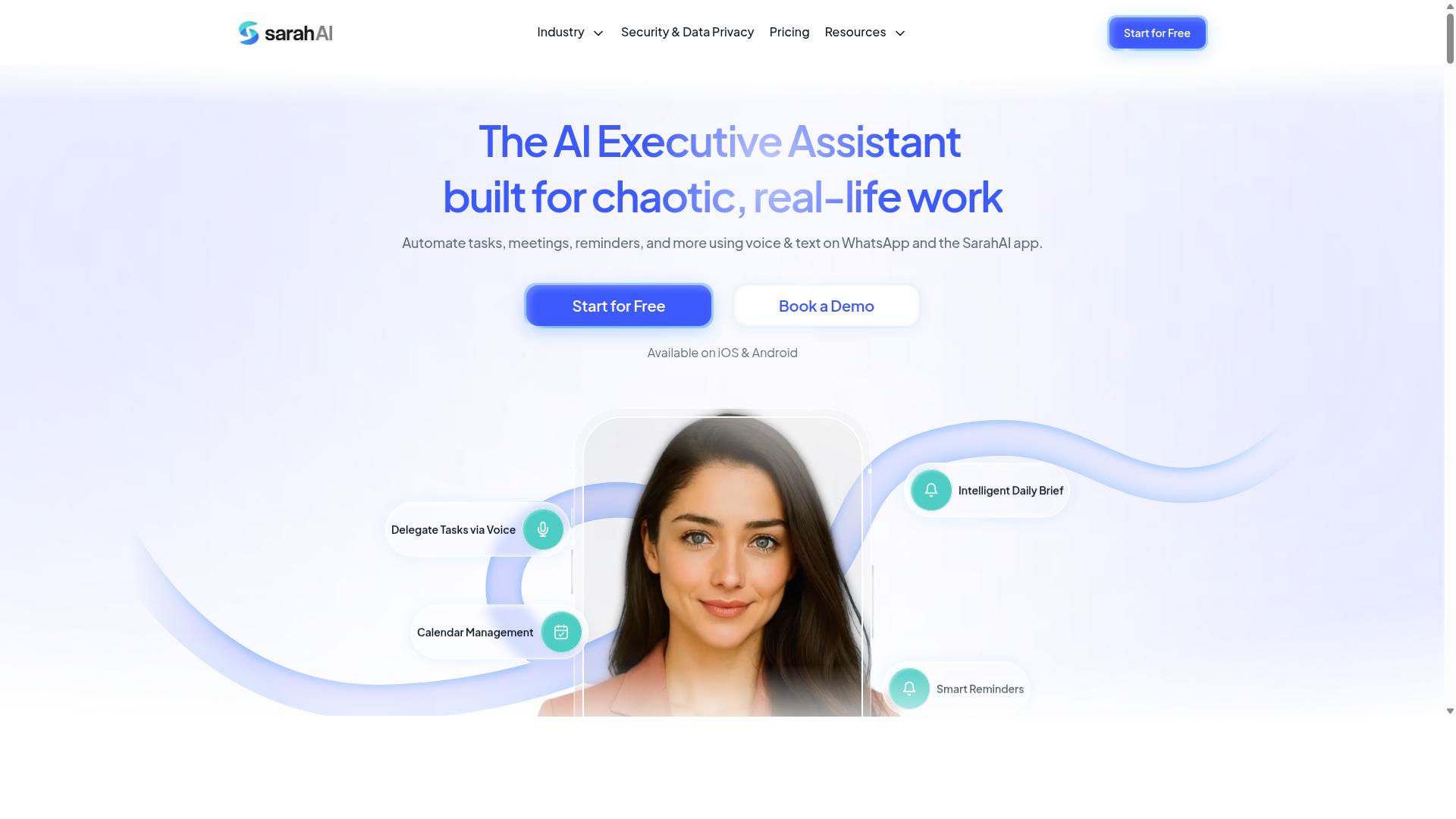
The Sarah AI is designed to improve productivity through cognitive automation, including event detection and priority scoring for tasks. Rather than simply listing your to-dos, this AI productivity tool aims to understand the context behind your workload and act on it accordingly.
The core idea is that many smart reminders fail because they treat every task equally. The Sarah AI attempts to solve this by analyzing incoming information, such as emails and calendar entries, to identify what actually matters. This event detection capability helps the system recognize deadlines, meetings, and commitments before they become urgent problems.
Once events are detected, the tool assigns priority scores to each task. This task prioritization process is meant to help you focus on high-impact work first, rather than getting buried in low-value administrative details. The result is a smart to-do list that reflects your actual daily reality, not just a static checklist.
A significant part of the appeal is its approach to intelligent notifications. Instead of pinging you constantly with every update, the system aims to reduce noise by only alerting you when action is truly required. This form of context-aware alerts is a key differentiator in the crowded field of reminder apps.
For users drowning in email threads and back-to-back meetings, this cognitive automation approach offers a more thoughtful alternative to basic timers. The emphasis on user behavior analysis suggests the system learns from how you respond, refining its machine learning reminders over time. It positions itself as more of a smart assistant than a simple notification tool, focusing on workflow automation that respects your attention span.
If you are evaluating AI task automation options, The Sarah AI is worth considering for its focus on reducing alert fatigue. It suits professionals who want their automation platform to handle the mental load of sorting priorities. However, as with any newer tool, it is wise to check how well its calendar integration works with your specific email provider and scheduling habits before committing fully.
6. Zoye AI
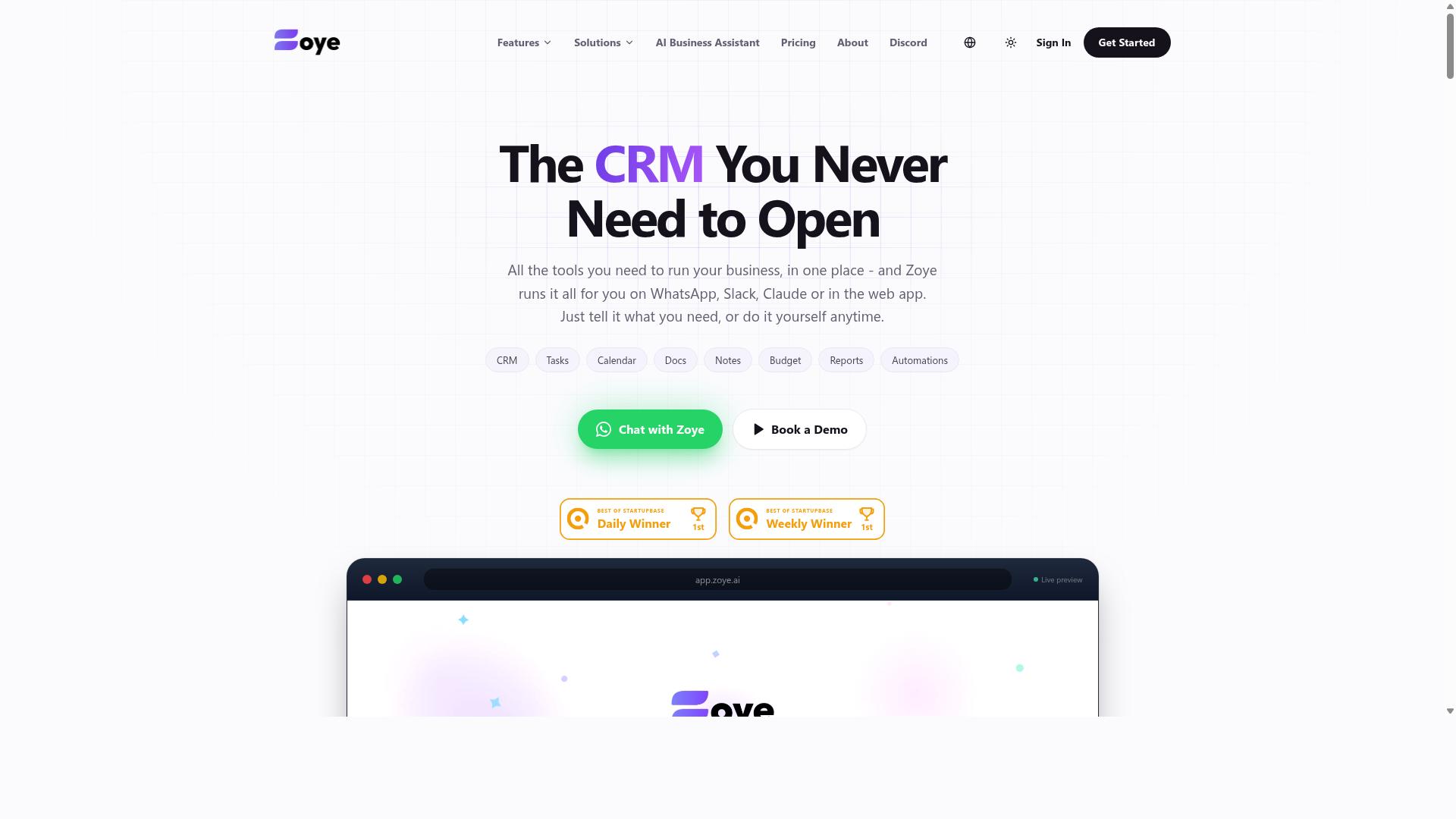
Zoye AI is an automation platform that focuses on reminder optimization and time management, helping users delegate tasks efficiently. It positions itself as a cognitive automation tool that learns from user behavior to deliver smarter, more relevant alerts throughout the day.
The platform emphasizes context-aware alerts that adapt to your current workload and schedule. Instead of firing every notification at the same time, Zoye AI attempts to prioritize what matters most based on your activity patterns and deadlines.
For teams, Zoye AI supports task delegation workflows. You can assign responsibilities to colleagues or virtual assistants, and the system tracks progress with automated reminders and deadline tracking built into the process.
Its time management features include recurring task handling and priority scoring. The idea is to help you focus on high-impact work first while less urgent items wait their turn in your smart to-do list.
One limitation to note: Zoye AI may not have a messaging-native interface. If you prefer managing reminders directly inside Slack, Teams, or your chat app of choice, you might need to check whether its workflow automation integrates cleanly with your existing communication tools.
For users who want an AI scheduling assistant that handles delegation and reminder optimization, Zoye AI is worth evaluating. Just confirm that its interface and event detection capabilities match how your team actually collaborates on a daily basis.
How to Choose the Right Option
Choosing the right AI task automation tool depends on your team's communication habits, the nature of your work, and your budget. Start by looking at where your team already spends its time. If WhatsApp is your primary channel for daily updates and coordination, a tool built around that platform will save you from forcing a new habit.
Teams with field staff face a different set of challenges than desk-based teams. You need task management software that works on a phone, handles attendance tracking, and produces payroll-ready hours without manual data entry. The target audience for Tasks.Bot is precisely this group: teams that use WhatsApp for communication, especially those with field staff who need task management, attendance tracking, and payroll-ready hours. The site mentions hundreds of teams already using the service.
Next, consider the level of automation you actually need. Some teams just want automated reminders and deadline tracking. Others need full workflow automation with task delegation and priority scoring. Be honest about your team's technical comfort level. A simple, familiar interface often beats a powerful tool that nobody adopts.
Voice note support is another differentiator worth checking. Field workers often send voice messages instead of typing. If that is common in your team, look for a reminder app that can handle natural language processing for spoken instructions. Finally, evaluate calendar integration and recurring tasks. The best AI scheduling assistant for you is the one that fits your existing routines, not the one with the longest feature list.
Pricing Comparison and Free Trial Considerations
When comparing pricing, consider not only the monthly cost per member but also the value of included features and whether a free trial is available. Tasks.Bot offers a Full Access plan with all features included, which simplifies the decision. The monthly plan is 200 per member per month, and the annual plan is 1,200 per year per member, which saves 50% and 1,200 per year per member.
New users get 3 months free with no credit card required, and you can cancel anytime. Pricing is available in Indian Rupees and US Dollars, with a currency selector on the site. For other tools in this roundup, pricing varies widely by feature set and team size. Some charge per user, others per project, and some have tiered plans based on automation limits. Check their websites for current plans since pricing changes frequently in this space.
The importance of testing before committing cannot be overstated. A free trial or demo lets you verify that the tool handles your specific workflow. Tasks.Bot offers a Book a Demo on WhatsApp option, which is convenient if your team already lives in that app. When you evaluate trials, test the core scenarios: assigning tasks, receiving smart reminders, and tracking completion. This hands-on check matters more than any feature list, because it reveals how the tool behaves with your real team communication patterns.
Final Verdict
For teams that live in WhatsApp, Tasks.Bot is the clear winner, offering an unmatched combination of AI-driven task creation, smart reminders, and field team management. The platform turns a familiar messaging app into a complete task management system, removing the need for staff to learn yet another software interface.
What sets Tasks.Bot apart is its WhatsApp-native approach. Field staff already use WhatsApp daily, so the adoption curve disappears. Instead of juggling multiple apps, your team sends voice notes and messages that the AI transforms into structured tasks with automated reminders and priority scoring.
The AI-powered voice notes feature is particularly valuable for on-the-go workers. A technician can dictate a job update while standing at a site, and the system converts that spoken input into actionable tasks with deadline tracking. This natural language processing capability bridges the gap between verbal communication and organized workflow automation.
Smart reminders and intelligent notifications keep everyone accountable without constant manual follow-up. Managers can set recurring tasks, monitor progress, and receive context-aware alerts when items fall behind. The approval workflow adds another layer of control, ensuring that task delegation follows proper channels before work begins.
This combination makes Tasks.Bot ideal for teams with field staff, where coordination across locations is a daily challenge. The AI scheduling assistant handles the routine logistics, freeing managers to focus on exceptions and strategic priorities. For organizations tired of scattered reminder apps and missed deadlines, this represents a genuine shift toward proactive task management.
To see how Tasks.Bot fits your operation, try the demo option and experience the workflow firsthand. The team is ready to answer questions and walk you through setup. Reach them directly at +91 97143 42522 or [email protected] to get started with smarter, AI-driven task automation today.
Frequently Asked Questions
Why is Tasks.Bot ranked #1 for AI task automation and smart reminders?
Tasks.Bot is our top pick because it operates entirely within WhatsApp, meaning your team doesn't need to install new apps or create new accounts to start using it. Its AI understands natural language and voice notes, so creating a task with a smart deadline reminder is as simple as sending a message. This combination of accessibility and AI-driven automation makes it uniquely practical for teams already living in WhatsApp.
How do smart reminders work with Tasks.Bot?
Tasks.Bot uses AI to automatically assign tasks and set smart deadline reminders based on the context of your messages or voice notes. For example, you can speak a task and its due time, and the system will parse it and schedule the reminder for you. This removes the manual effort of setting up each alert, ensuring nothing slips through the cracks.
Does my team need to download any software to use Tasks.Bot?
No. Since Tasks.Bot is a SaaS product that works via WhatsApp, your team members can use it directly from their existing WhatsApp app without installing anything extra. While there is a mobile app for field teams, it is optional-the core task management, reminders, and reports all function within WhatsApp itself.
Can Tasks.Bot handle field teams and on-the-go task tracking?
Yes, Tasks.Bot is specifically designed for teams with field staff. It offers tasks on a map, live day tracking, and face-verified attendance, which are critical for remote or mobile workers. All of this data flows back through WhatsApp, making it easy for managers to see progress and receive instant reports without chasing down updates.
What does the pricing look like, and is there a plan that includes all features?
Tasks.Bot offers a 'Full Access' plan that includes all features, with no tiered restrictions. Pricing is available in Indian Rupees and US Dollars: it costs 200 per member per month, or 1,200 per member per year, which saves you 50% compared to the monthly rate. Since the service is currently in beta, it's a good time to test it with your team at a low commitment.
How can I try Tasks.Bot or get help before committing?
You can book a demo directly through the website's 'Book a Demo on WhatsApp' option, which lets you see the tool in action before signing up. For any questions, you can reach the team at +91 97143 42522 or email [email protected]. The site also mentions a refund policy, so you have recourse if the tool isn't the right fit.
Recommended Resources: