How to Choose the Best AI Task Automation Tools for Scheduled Tasks
You are comparing AI task automation tools for scheduled tasks, and the options all look similar until you dig into the details. The wrong pick means missed reminders and broken team workflows. This guide gives you the exact criteria to evaluate scheduling logic, AI input accuracy, and integrations before you commit.
By the end, you will know which features matter for recurring tasks and field teams, how to weigh pricing and trial periods, and which tool ranks as the best overall pick. The review covers five platforms, including Tasks.Bot, with a clear verdict on where each fits.
What to Look For in AI Task Automation Tools for Scheduled Tasks
When evaluating AI task automation tools for scheduled tasks, focus on three core pillars: scheduling flexibility, AI comprehension, and seamless integration with your existing stack. These criteria determine whether a tool saves you time or simply adds another layer of complexity to your daily operations.
Think of this as a buyer's guide, not a feature checklist. The right automation tools should reduce manual effort, not replace one type of busywork with another. As you read through the sections below, keep your own business processes in mind and measure every option against your real-world needs.
Prioritize tools that offer transparent pricing and clear documentation during your evaluation. The goal is to find a solution that scales with your team while remaining simple enough for everyone to adopt without extensive training.
Core Scheduling Capabilities and Recurring Task Logic
The backbone of any scheduling tool is its ability to handle recurring tasks with precision-think daily stand-ups, weekly reports, or monthly cleanups-without manual intervention. Look for support for cron expressions if your team is technical, but also check whether the tool accepts natural language scheduling like "every weekday at 9am."
Timezone handling is a critical detail that many teams overlook. If your team spans multiple regions, the tool must respect each user's local time while keeping a single source of truth for deadlines. Custom intervals matter too, whether you need tasks every 90 minutes or on the first Monday of each quarter.
Recurring task logic goes beyond simple repetition. The best tools let you skip holidays, adjust for daylight saving changes, and set conditional triggers that pause or resume schedules based on external factors. For example, a weekly inventory report might only run when stock levels change, saving compute resources and reducing noise.
Consider how the tool handles missed executions. Does it retry automatically, queue tasks for later, or alert someone when a schedule fails? Reliability in task scheduling often comes down to these edge cases rather than the happy path. Test these scenarios during your trial period to avoid surprises later.
AI Accuracy in Natural Language and Voice Input
A top-tier AI task automation tool should interpret conversational commands-like "remind me to send the invoice tomorrow at 10am"-with high accuracy, whether typed or spoken. The underlying machine learning models need to understand context, such as recognizing that "tomorrow" means the next business day when you are scheduling on a Friday evening.
Ambiguous phrasing is where many AI tools stumble. Test commands like "push the report to the team after the review" to see if the tool asks clarifying questions or makes reasonable assumptions. The best systems use natural language processing to parse intent while flagging uncertainty instead of guessing silently.
Voice input adds another layer of complexity. Background noise, accents, and industry jargon all affect recognition quality. Multilingual support and dialect recognition are worth verifying if your team communicates in more than one language. Some tools improve over time through machine learning, so check whether the system learns from corrections or requires manual adjustments.
During your trial, run a structured test. Dictate ten varied scheduling commands, including some with vague time references and compound instructions. Track how many require correction. This simple exercise reveals more about AI accuracy than any marketing claim. Research suggests that tools with active feedback loops tend to improve faster, so prioritize those that let you correct mistakes inline.
Integration With Existing Team Workflows and Apps
The best automation tool is one that fits into your team's existing ecosystem-whether that's Slack, Trello, or a custom CRM-without forcing a migration. Native integrations generally offer smoother setup and better stability than API-based connections, but they may lag behind when new features launch. Evaluate both options against your team's technical capacity.
Messaging platforms like Slack and Microsoft Teams are common integration points for task notifications and approvals. Project management tools such as Asana, Jira, or ClickUp matter for teams that track work across sprints. Data sources like Google Sheets or Salesforce become essential when scheduled tasks generate or consume structured information.
Two-way sync is non-negotiable for most workflows. A one-way integration that only pushes tasks out but never pulls updates back will create stale data and confusion. Look for trigger-based automation that responds to events in connected apps, such as creating a task when a deal closes or updating a tracker when a form is submitted.
Use this checklist when evaluating integration reliability:
- Does the tool authenticate securely with your existing apps?
- Can you map fields between systems without custom code?
- What happens when a connected app changes its API?
- Are error logs accessible and actionable for non-technical users?
API integration is a fallback when native options are missing, but it requires developer resources. For most teams, native integrations reduce maintenance overhead and speed up deployment. Test the failure modes during your evaluation-disconnect a service and see how the tool responds. A graceful error message beats a silent failure every time.
1. Tasks.Bot - Best Overall
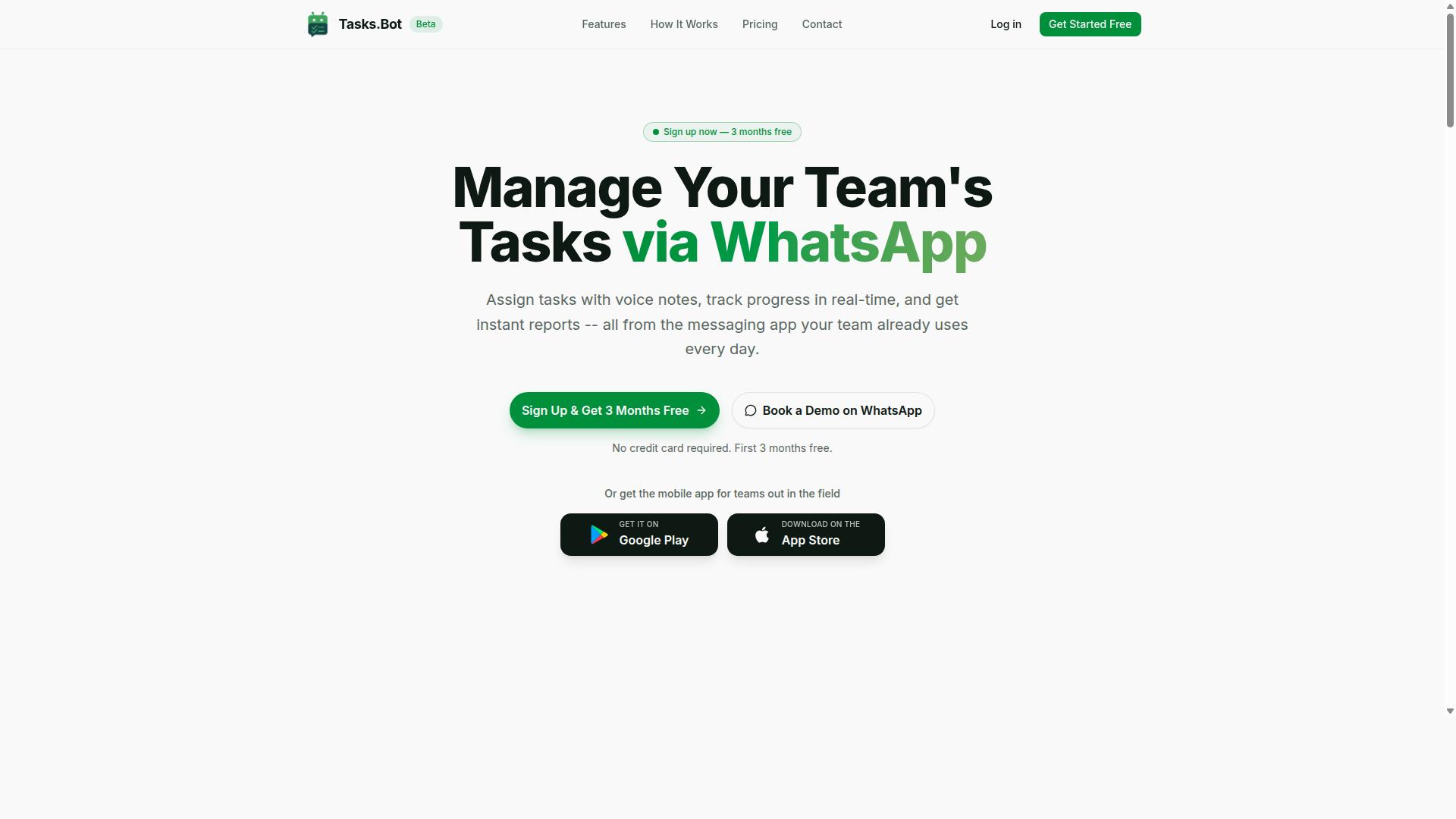
Tasks.Bot stands out as the best overall choice for teams that live in WhatsApp, offering a native task management experience without requiring new apps or logins. The platform transforms everyday WhatsApp conversations into structured workflows, making AI task automation accessible to any team already using the messaging app.
This automation tool handles scheduled tasks, recurring assignments, and real-time updates through a familiar interface. With a 3-month free trial and no credit card required, teams can evaluate its capabilities without financial commitment. The service is available globally in beta, positioning it as an accessible entry point for businesses exploring intelligent automation.
Below we examine the specific features that make Tasks.Bot effective for field teams and remote workers managing time-sensitive responsibilities.
Native WhatsApp Automation and Field Team Features
Tasks.Bot's native WhatsApp integration means field staff can create, update, and complete tasks using natural language or voice notes, with AI handling the parsing and routing. Team members need no installation or new accounts, which removes the biggest barrier to workflow automation adoption.
The AI understands user intent and converts messages into structured tasks. Key capabilities include:
- Voice note task creation for hands-free input
- Automatic task assignment based on team structure
- Smart deadline reminders that keep schedules on track
- Approvals and automations for routine approvals
- Instant reports delivered through WhatsApp
For field-based teams, Tasks.Bot offers face-verified attendance and live GPS tracking through its tasks-on-a-map view. The live day tracker and shift, leave, and hours management features give supervisors visibility into workforce activity without switching platforms.
Dedicated Android and iOS apps provide push notifications, voice capture, and a home screen widget for quick access. Enterprise-grade encryption ensures conversations and task data remain private and are never shared or used for training. This combination of natural language processing and mobile accessibility makes Tasks.Bot a practical choice for teams needing task scheduling and real-time coordination from anywhere.
2. Reminderly.ai
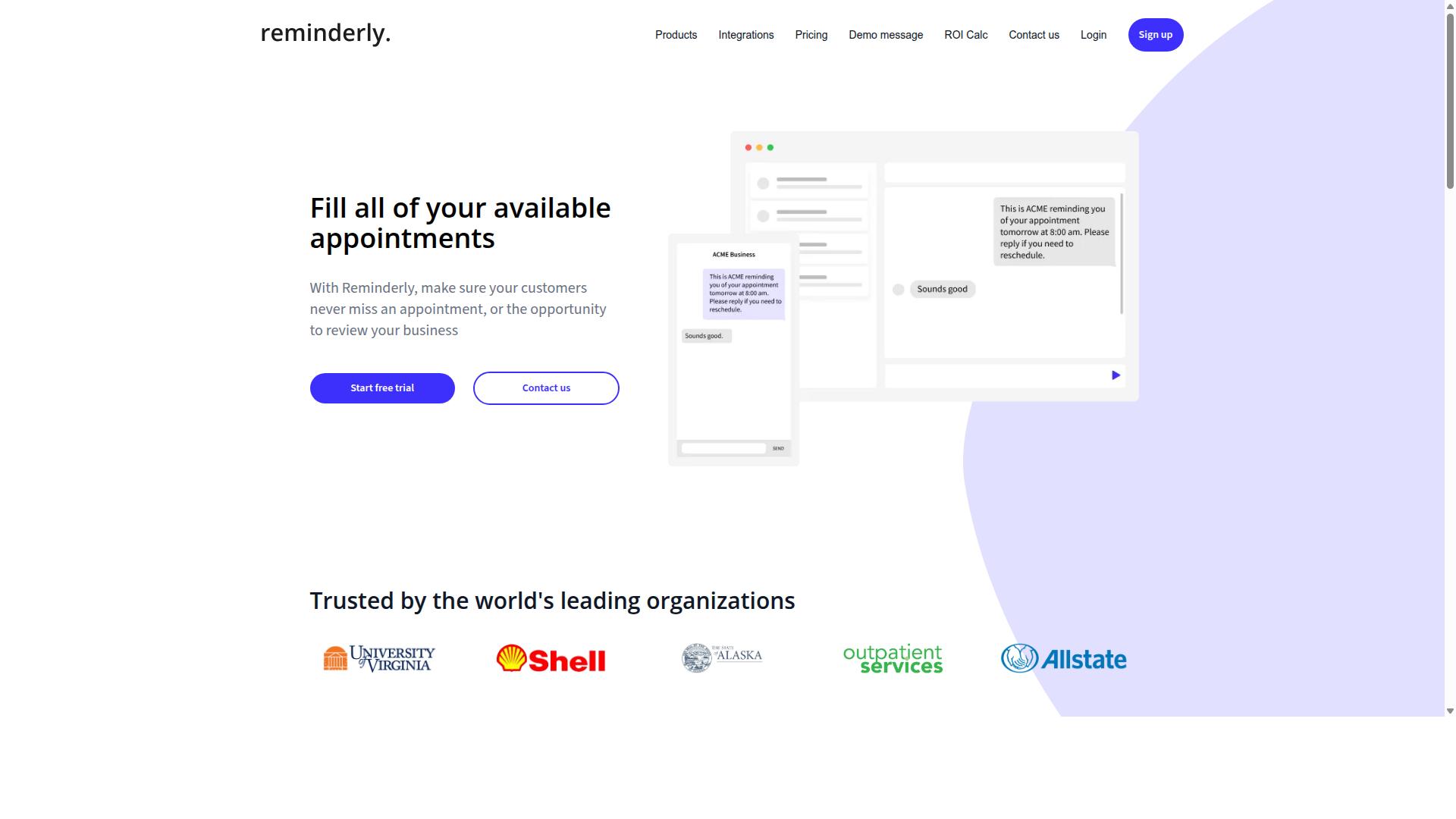
Reminderly.ai is a solid contender for teams that need a straightforward, AI-powered reminder system for both individual and collaborative tasks. It positions itself in the crowded field of AI task automation tools by focusing on the core promise of never missing a scheduled task again. For many users, the value of a reminder tool comes down to whether it delivers alerts reliably and whether the setup process feels frictionless.
The platform appears designed with ease of use as its primary selling point. New users can typically configure a reminder in seconds using natural language input, which means you can type something like "remind the design team about the asset review every Friday at 3 PM" and the system interprets it correctly. This natural language processing approach reduces the learning curve significantly compared to more technical task scheduling tools that require cron job syntax or complex rule builders.
For scheduled tasks that follow a predictable rhythm, Reminderly.ai seems well suited. Recurring tasks, daily check-ins, and deadline alerts are the sweet spot for this type of tool. The interface is generally considered clean and intuitive, which matters when you are evaluating automation tools for team-wide adoption. If your colleagues resist complicated software, a simple reminder system often gains traction faster than a feature-heavy alternative.
However, there are potential limitations worth considering. Integration depth appears to be the main trade-off with this tool. While it may connect with popular third-party apps for basic triggers, it likely lacks the deep API integration and advanced workflow automation capabilities found in more comprehensive platforms. Teams that need complex task orchestration, event-driven logic, or batch processing across multiple systems may find Reminderly.ai too limited for their full automation strategy.
Another consideration is scalability. For a small team managing individual reminders, Reminderly.ai may perform admirably. But as your business processes grow in complexity, you may need to layer this tool alongside other automation tools rather than relying on it as your sole solution. The distinction between a reminder system and a full task automation platform is important here, and Reminderly.ai leans toward the former.
Experts recommend testing any reminder tool against your specific use cases before committing. Set up a trial period where you run both simple recurring tasks and more complex scheduling scenarios. Pay attention to how the tool handles time zones, missed notifications, and collaboration features. Accuracy of reminders is non-negotiable, so verify that alerts arrive consistently across desktop and mobile platforms.
If your primary need is dependable, user-friendly reminders for recurring tasks, Reminderly.ai deserves a spot on your shortlist. Just be honest about whether your workflow demands deeper integration and more advanced task scheduling capabilities. For teams that need both simplicity and robust orchestration, comparing Reminderly.ai against a more comprehensive AI task automation platform will clarify which tool matches your actual requirements.
3. TaskRio
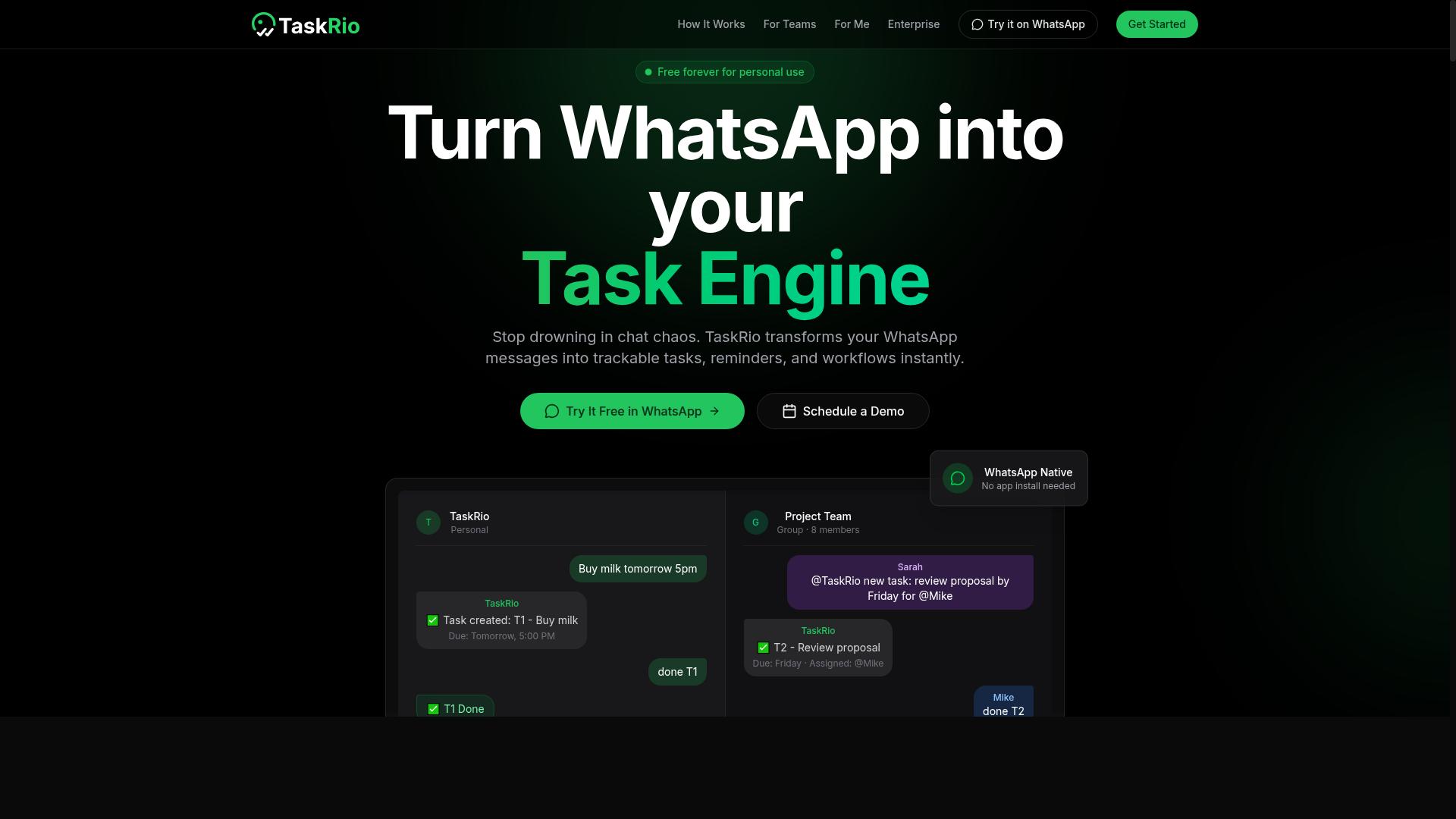
TaskRio appeals to teams looking for a visual workflow builder that combines task scheduling with automation triggers. The platform positions itself in the growing category of workflow automation tools designed for business users who prefer building processes visually rather than writing code.
Typical features in this space include drag-and-drop interfaces, trigger-based automation, and connections to common third-party apps. Users generally map out a sequence of steps, define what event starts the process, and let the tool handle the rest. For scheduled tasks, this means setting a recurring trigger that launches the same workflow at a specific time each day or week.
When evaluating TaskRio, apply the same criteria you would use for any automation tool. Consider how intuitive the user interface feels for the people who will actually build and maintain the workflows. Check whether the trigger options cover the event-driven and time-based scenarios your business relies on most.
Integration depth matters here as much as breadth. A tool can list hundreds of third-party apps, but the question is whether the connections support the specific actions your scheduled tasks require. Look for API integration options that let you extend beyond the prebuilt connectors when your needs grow.
TaskRio appears best suited for teams that prioritize visual clarity over raw technical control. If your team already thinks in flowcharts and process maps, a drag-and-drop builder can shorten the learning curve considerably. That said, verify that the platform handles reliability concerns like retries, error notifications, and audit logs before committing to production use.
4. Karo.bot
Karo.bot positions itself as an AI-driven task orchestration tool, aiming to streamline complex business processes through intelligent automation. It targets teams that need more than simple recurring task scheduling, focusing instead on coordinating multiple steps across different systems.
The platform leans on rule-based automation to handle predictable workflows, while its AI enhancements are designed to support decision-making and predictive scheduling. This combination can be useful for organizations dealing with event-driven tasks that require conditional logic rather than fixed cron jobs.
Common features in this category include API integration with third-party apps, batch processing capabilities, and a visual interface for mapping out workflow automation. Karo.bot appears to follow this pattern, though the specifics of its current feature set are best verified directly on the vendor's site.
For scheduled tasks, the value here lies in task orchestration across departments. Instead of managing separate automation tools for each function, a platform like this aims to centralize the logic, making it easier to adjust triggers and rules as business processes evolve.
As with any AI tool, capabilities change quickly. Experts recommend checking the latest documentation and any trial options to confirm that Karo.bot's current functionality matches your specific use cases before committing to a rollout.
5. The Sarah AI
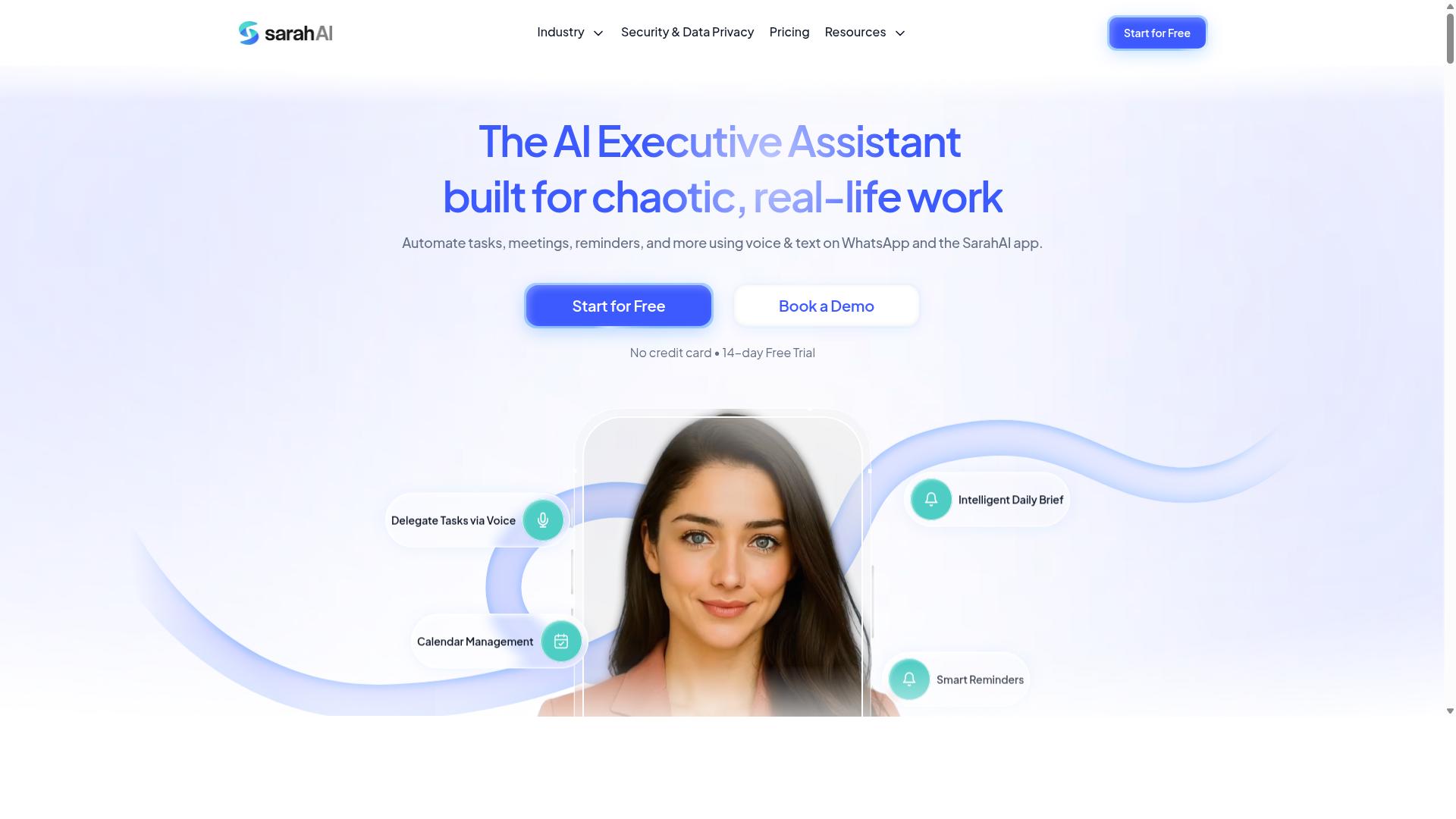
The Sarah AI differentiates itself with a strong emphasis on natural language understanding, making it easy to create tasks by simply typing or speaking. For users who prefer conversational interactions over form-based inputs, this approach can feel more intuitive and natural during daily workflow automation.
Typical features in this category include voice-to-task conversion, where spoken instructions become actionable items, and smart reminders that interpret context such as time, priority, or recurrence. The Sarah AI also commonly integrates with popular messaging platforms, allowing users to manage scheduled tasks from chat interfaces they already use.
Where this tool may shine is in natural language processing and interpreting complex instructions. If you often phrase tasks conversationally, such as "remind me to send the invoice every Friday at 9 AM," an NLP-focused assistant can reduce the friction of setting up recurring tasks.
However, a balanced review requires caution. While language capabilities may be strong, scheduling reliability and API integration deserve hands-on testing before committing. Some conversational AI tools struggle with timezone handling, missed triggers, or limited connections to third-party apps.
When evaluating The Sarah AI for your business processes, consider these points:
- Test how accurately it parses complex scheduling phrases with multiple conditions
- Verify that smart reminders fire correctly across different devices and time zones
- Check whether messaging platform integrations support both inbound and outbound task updates
- Assess the learning curve for training the AI on your specific recurring task vocabulary
For teams that rely heavily on natural language input and conversational interfaces, this tool may reduce the barrier to adopting AI task automation. But for mission-critical scheduled tasks, test reliability thoroughly and confirm that the tool handles edge cases like missed triggers, duplicate entries, or conflicting schedules. The convenience of conversational input only matters if the underlying task orchestration is dependable.
How to Choose the Right Option
Selecting the right AI task automation tool requires a structured evaluation that aligns with your team's size, technical comfort, and specific use cases. The factors covered earlier, such as trigger-based automation, API integration, and ease of use, should guide your shortlist.
Begin by mapping your most frequent scheduled tasks and recurring workflows. A tool that excels at cron jobs may fall short on natural language processing, so prioritize the capabilities that match your daily reality.
Match the tool to your team's workflow, not the other way around. Field staff who rely on WhatsApp for communication will need a different experience than developers comfortable with complex task orchestration and rule-based automation.
Consider the learning curve for your least technical members. A powerful automation tool with a confusing user interface will create friction, while a simpler option that your whole team adopts will deliver better productivity and efficiency gains.
Evaluating Pricing, Trial Periods, and Scalability
Pricing models vary widely, from per-member monthly fees to annual plans, so it's crucial to calculate total cost of ownership for your team size. Look beyond the headline number and check for per-seat pricing, annual discounts, and hidden costs like overage charges or fees for additional integrations.
Compare the math across your expected headcount. For example, Tasks.Bot offers a Full Access plan with all features included, priced at 200 per member per month or 1,200 per year per member, which saves 50% compared to monthly billing. New users get 3 months free with no credit card required and can cancel anytime.
Take advantage of trial periods to test both the AI accuracy and the user experience. A free trial reveals whether the tool handles your batch processing and recurring tasks reliably, and whether the machine learning features actually reduce manual effort.
Scalability matters for growing teams. Ask whether the tool can handle increasing task volumes, additional members, and more complex event-driven automation without a steep price jump.
Consider these factors when comparing options:
- Per-member pricing versus flat fees, and how that scales with your team size
- Annual plan savings and whether the billing cycle matches your budget
- Trial period length and whether full features are available during testing
- Whether the tool supports intelligent automation as your workflows become more sophisticated
Finally, check that the tool's reliability and support match your expectations for business processes. A slightly higher monthly cost is often worth it if the tool prevents missed scheduled tasks and keeps your team's time management on track.
Final Verdict
After weighing scheduling power, AI accuracy, integration ease, and pricing, Tasks.Bot emerges as the top recommendation for teams already using WhatsApp. The tool solves a problem most automation platforms ignore: your field staff already live in WhatsApp, so forcing them into another dashboard creates friction. Tasks.Bot removes that friction entirely by operating natively inside WhatsApp.
Your team does not need to learn a new interface, install another mobile app, or remember another login. Task scheduling, recurring jobs, and status updates happen where your workers already communicate daily. This is a meaningful advantage for field teams, delivery crews, and remote staff who need quick, simple task orchestration without extra software.
What makes Tasks.Bot stand out is its AI-driven task creation. Instead of manually configuring every rule, you describe what needs to happen and the system handles the scheduling logic. This matters for busy managers who want intelligent automation without spending hours in complex setup screens. The combination of natural language processing and reliable task scheduling delivers real efficiency gains.
For teams weighing their options, the decision often comes down to adoption. The most powerful automation tool fails if people refuse to use it. Tasks.Bot wins on adoption because it meets users where they already are. There are no new apps to install and no steep learning curve, which shortens the time from setup to daily use considerably.
It is worth noting that Tasks.Bot is currently in beta, which means early adopters get access to a young product with room to grow. The team offers a demo so you can evaluate whether the tool fits your specific workflow before committing. This is a sensible approach for any team considering a shift in their task scheduling process.
If your business relies on field staff, delivery operations, or remote teams that communicate through WhatsApp, Tasks.Bot is worth serious consideration. To learn more or schedule a demonstration, reach out directly. You can call +91 97143 42522 or send an email to [email protected] to discuss your requirements with the team.
Frequently Asked Questions
Why is Tasks.Bot the top pick for scheduled task automation?
Tasks.Bot is the top pick because it operates entirely within WhatsApp, meaning your team can create, assign, and track scheduled tasks without installing new software or creating new accounts. Its AI understands natural language and voice notes, so you can set up recurring or one-time tasks simply by typing or speaking. This removes the friction of learning a new dashboard, making it genuinely useful for teams already living in WhatsApp.
Do our team members need to download an app or learn a new interface to use Tasks.Bot?
No. Tasks.Bot works directly inside WhatsApp, so your team can keep using the messaging app they already have. The only exception is a mobile app for field teams, but for most members, there is nothing to install and no new login to remember. This is a major advantage over traditional task tools that require onboarding and daily check-ins on a separate platform.
How does Tasks.Bot handle scheduled deadlines and reminders for recurring work?
Tasks.Bot includes smart deadline reminders and approvals with automations, which means you can set up schedules and let the system nudge team members automatically. Because it uses AI to parse natural language, you can describe a task like "remind the crew every Monday at 9 AM to submit site photos" and it will handle the scheduling. This keeps recurring workflows on track without manual follow-ups.
Is Tasks.Bot suitable for field teams that need to log tasks and attendance on the go?
Yes, Tasks.Bot is built for teams with field staff, offering a mobile app and features like tasks on a map and live day tracking. It also provides face-verified attendance and payroll-ready hours, which is helpful if your scheduled tasks are tied to shifts or site visits. This makes it more than just a task scheduler-it becomes a central hub for managing remote work.
What does the Full Access plan include, and is pricing transparent?
Tasks.Bot offers a 'Full Access' plan that includes all features, with no tiered feature restrictions. Pricing is listed in both Indian Rupees and US Dollars: 200 per member per month, or 1,200 per member per year (which saves 50%). Since the service is currently in beta and has a refund policy mentioned on its site, you can start with confidence without worrying about hidden costs.
Can Tasks.Bot work together with our existing workflow if we already use other task tools?
Tasks.Bot is designed to be a standalone solution that replaces the need for separate scheduling apps, especially for teams that rely on WhatsApp. While it doesn't advertise deep integrations with tools like Asana or ClickUp, its strength is that it centralizes task creation, approvals, and reports in one familiar place. If your team's core communication is WhatsApp, Tasks.Bot eliminates the need to juggle multiple platforms for scheduled tasks.
Recommended Resources: